
01
Best focused privacy-first option
→ Timether
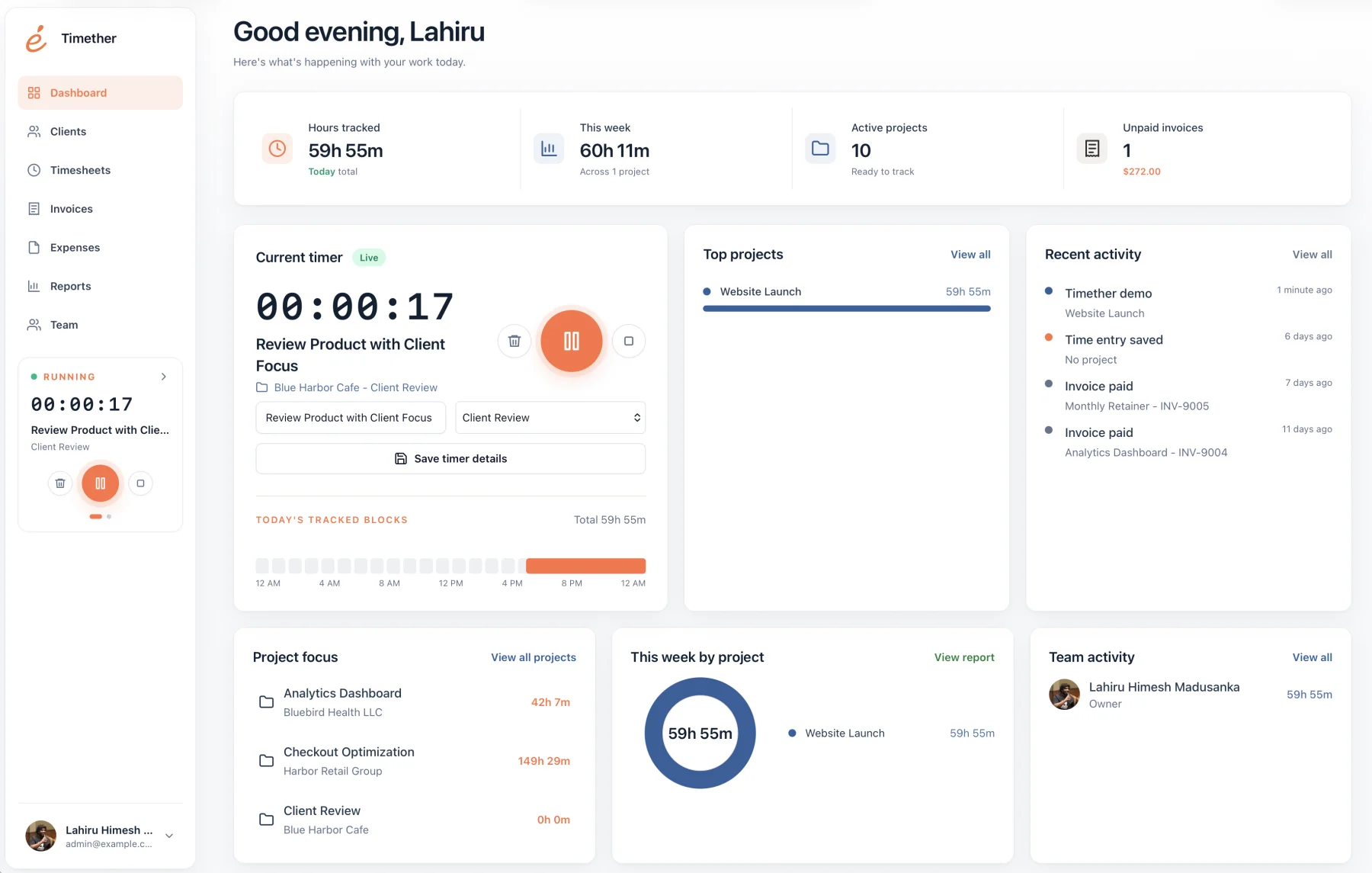
Timether is built around client and project records, billable rates, expenses, reports, invoices, online payments, exports, first-party apps, and automation without screenshot monitoring.
Time tracking for freelancers
Freelancers rarely lose money because they cannot start a stopwatch. They lose it when small tasks disappear, retainers become vague, projects run beyond estimates, and invoice detail has to be reconstructed from memory.
The best freelance time tracker turns daily work into a reliable business record. It should be fast enough to use, structured enough to explain an invoice, and clear enough to improve the next quote.
14-day free trial. No credit card required. No screenshots.
Selection guide
A freelancer needs more than elapsed time. The tracker should connect work to clients, rates, reports, and better commercial decisions.
Timether is built around client and project records, billable rates, expenses, reports, invoices, online payments, exports, first-party apps, and automation without screenshot monitoring.
Harvest is useful when its mature accounting integrations fit an existing finance stack. Timether also carries tracked time and expenses through invoices and online payment.
Toggl offers mature time tracking, detailed reports, many integrations, and an explicit no-screenshot position.
Clockify provides a wide feature set and a free entry point for people who want timers, projects, reports, calendars, and more.
Unpaid work often hides between the obvious tasks: client messages, revisions, deployment checks, planning calls, research, file preparation, and short support requests. Each item looks small, but together they can erase a meaningful part of a week.
A good tracker makes capture easy and gives every entry enough context to survive until billing day. That protects revenue and reduces the awkwardness of explaining a total after the details have faded.
Freelance time records are not only for hourly billing. They reveal how long fixed-fee work really takes, which clients create hidden overhead, and whether a retainer remains sustainable.
Over several projects, this becomes evidence for stronger estimates and healthier pricing. The goal is not to maximize tracked hours. It is to understand the relationship between effort, value, and revenue.
Choose a small set of rules you can follow consistently: select the client before starting, add a short outcome-focused description, and review open or uncategorized entries at the end of the day. Keep project names recognizable and archive old work so the timer remains easy to scan.
Use desktop, browser, or mobile connections where work naturally happens, but avoid creating several overlapping capture methods. The best system is the one that produces a complete record with the least correction on Friday. A weekly review then turns that habit into invoice detail, pricing insight, and evidence for future estimates.
Common questions
Short answers about privacy, features, and fit.
No. Timether is designed to help people understand time, projects, clients, and billable work. It does not use screenshots, keystroke logging, mouse tracking, or hidden activity monitoring.
No. Timether tracks the time and work details that people intentionally record. It does not capture screenshots.
Timether is built for freelancers, consultants, small agencies, indie teams, and growing service businesses that need clear time records and client-ready reports.
Yes. Every Timether plan supports JSON, CSV, and PDF exports, so you can provide the format that fits your client or accounting workflow.
Yes. Internal time records show whether estimates are accurate, which work creates scope pressure, and how future fixed prices should change.
Research notes
Start with better records
Track client work while it happens and turn the week into a clean record when it is time to bill.