Timether
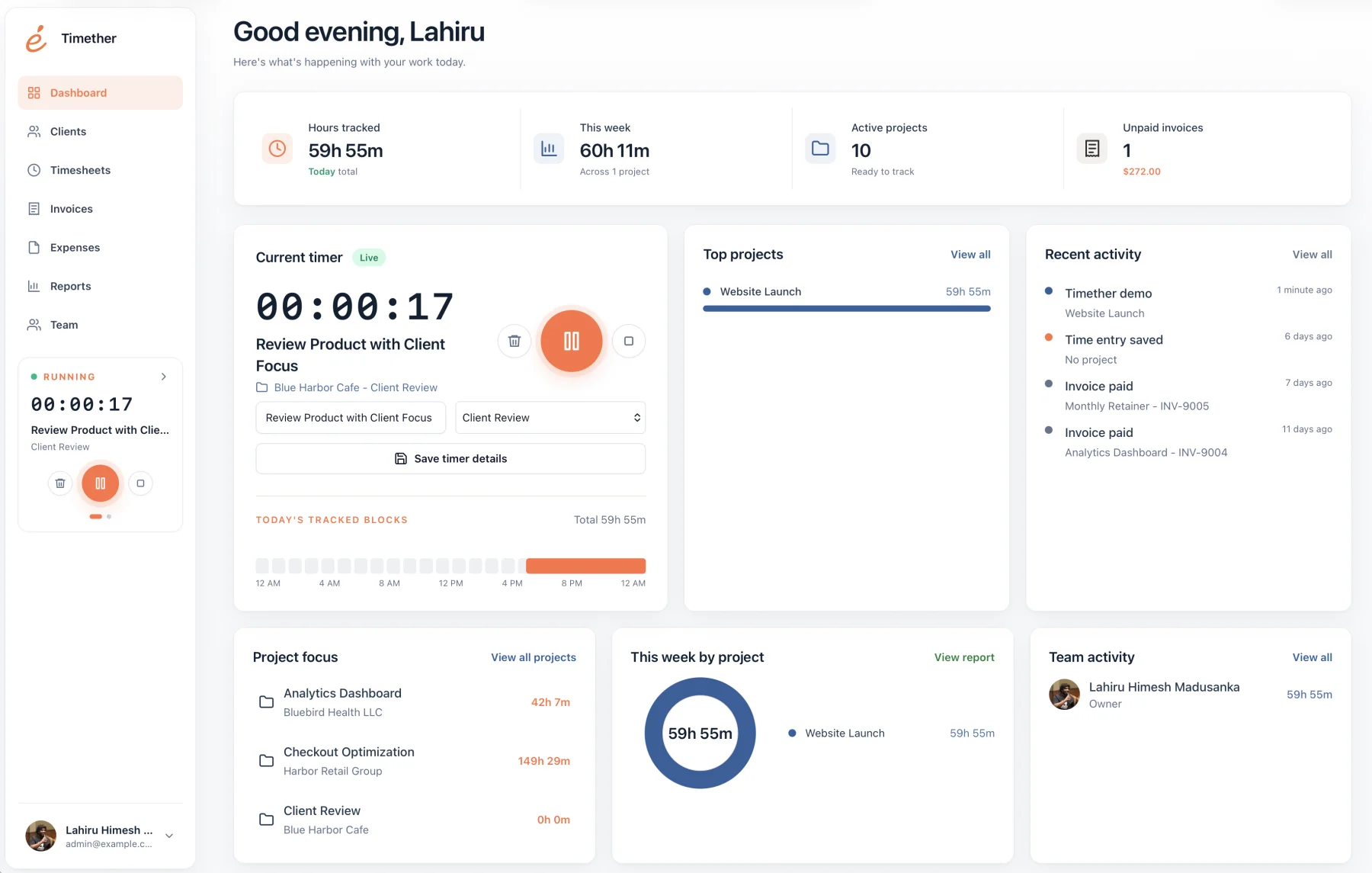
Shared workspaces, roles, team projects, client records, rates, reports, invoices, exports, and activity history without screenshots or activity spying.
Time tracking for small agencies
Small agencies need to know where time goes because hours affect quoting, retainers, capacity, hiring, and client profitability. They also need to preserve the trust and creative focus that make a small team effective.
The best agency tracker makes project effort visible without demanding surveillance. It gives leaders enough information to catch overruns, balance workloads, and prepare client updates while keeping the daily habit lightweight.
14-day free trial. No credit card required. No screenshots.
Selection guide
Agency time data should help improve commercial decisions, not create another layer of performative administration.
Shared workspaces, roles, team projects, client records, rates, reports, invoices, exports, and activity history without screenshots or activity spying.
Harvest is strong when project time, expenses, invoices, online payments, and accounting integrations should live in one established workflow.
Toggl offers robust team reporting and integrations with a privacy-conscious stance that excludes screenshot monitoring.
Clockify suits teams that want scheduling, time off, activity, auto tracking, calendars, expenses, invoicing, and other operational features.
Hubstaff may fit distributed or field teams that explicitly need configurable screenshots, GPS, activity levels, and workforce oversight.
A useful agency report should show more than total hours. It should reveal which clients consume unplanned support, which projects exceed estimates, how much work remains billable, and where capacity is becoming constrained.
That information helps an owner adjust scopes, renew retainers, schedule work, and hire with more confidence. It also makes client conversations easier because the underlying record is already organized.
Screenshots and activity percentages can create visible data while missing the quality and complexity of knowledge work. For a small trust-based agency, they may damage culture without improving delivery.
A better default is clear project ownership, concise time-entry descriptions, regular review, and honest conversations about scope. Time data should support those practices, not replace management with monitoring.
Start with a narrow purpose, such as improving estimates and protecting retainer scope. Define a small project taxonomy, decide which work is billable, and show the team the reports owners and clients will actually see. Avoid demanding excessive detail that makes every entry feel like a status report.
Review the system after two billing cycles. Remove unused tags, merge confusing projects, and check whether people can correct mistakes easily. Share examples of decisions improved by the data, such as adjusting a scope or balancing workload. Adoption improves when the team sees time records being used responsibly rather than as a hidden performance score.
Common questions
Short answers about privacy, features, and fit.
No. Timether is designed to help people understand time, projects, clients, and billable work. It does not use screenshots, keystroke logging, mouse tracking, or hidden activity monitoring.
No. Timether tracks the time and work details that people intentionally record. It does not capture screenshots.
Timether is built for freelancers, consultants, small agencies, indie teams, and growing service businesses that need clear time records and client-ready reports.
Yes. Timether organizes entries by workspace, client, project, tag, member, billable status, and rate so agencies can review work at the right level.
It exposes project overruns, unbilled work, retainer pressure, capacity constraints, and weak estimates so the agency can adjust scope, pricing, and planning.
Research notes
Start with better records
Give your team a respectful tracking workflow and give the business the client, project, and billing clarity it needs.