
01
Best for client work and small teams
→ Timether
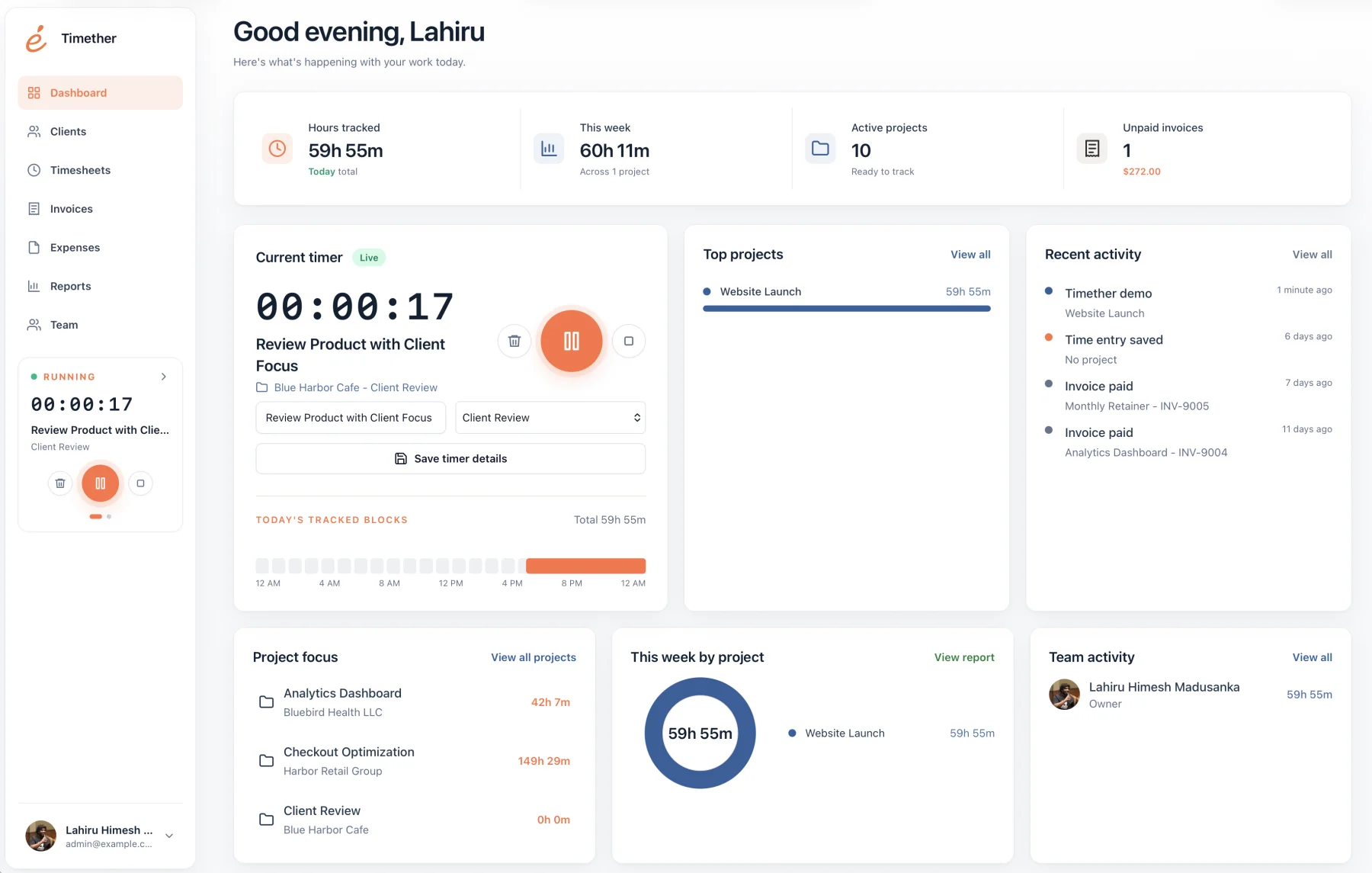
Timether connects screenshot-free time records to clients, projects, tags, rates, reports, invoices, and exports in a focused workspace.
Screenshot-free time tracking
Screenshots can create proof, but they can also capture private messages, client information, passwords, personal browsing, and moments that have little to do with meaningful work. For many professional teams, they are unnecessary.
A screenshot-free tracker can still provide reliable timers, manual entries, projects, clients, billable rates, timesheets, reports, exports, and team visibility. The difference is that accountability comes from intentional work records rather than periodic images.
14-day free trial. No credit card required. No screenshots.
Selection guide
Removing screenshots should not mean giving up the records needed to run a service business.
Timether connects screenshot-free time records to clients, projects, tags, rates, reports, invoices, and exports in a focused workspace.
Toggl officially states that it does not support screenshots and does not expose automatically recorded app usage to managers.
Harvest offers a mature time-and-billing ecosystem without screenshot-based employee monitoring. Timether also supports expenses, invoices, and online payments.
Professional work is difficult to judge from an image. A design review, planning conversation, local development task, research session, or client call may produce little visible screen change while still creating substantial value.
Screenshot-free systems reduce privacy exposure and encourage better work descriptions. They are especially suitable for freelancers, consultants, agencies, studios, and technical teams where trust and context are central.
Use a consistent project structure, require concise entry descriptions, review timesheets before billing, and make billable rules easy to understand. Accuracy comes from a good habit and a low-friction interface.
Managers should use reports to identify missing context, unexpected project overruns, and capacity issues. These are business conversations, not reasons to collect more invasive data by default.
Clients usually need a credible explanation of effort, not a gallery of random desktop images. A useful report can group time by project, task, date, person, or billable category and pair durations with concise descriptions of completed work.
For higher-accountability engagements, combine time reports with deliverable links, ticket references, pull requests, meeting notes, or milestone updates. These artifacts show progress in context and are easier to review than screenshots. They also avoid exposing unrelated client data or personal information that happened to be visible when an automated capture occurred.
Set the reporting expectation at the beginning of the engagement. Agree on the level of detail, delivery frequency, rounding rules, and treatment of short administrative tasks. When the client knows what the report will contain, screenshot collection is less likely to be mistaken for the only form of proof.
For sensitive work, share a summarized client report while retaining more detailed internal notes. This keeps the external record readable and protects information that does not belong in an invoice attachment. Good access boundaries are as important as the decision not to capture screens.
Common questions
Short answers about privacy, features, and fit.
No. Timether is designed to help people understand time, projects, clients, and billable work. It does not use screenshots, keystroke logging, mouse tracking, or hidden activity monitoring.
No. Timether tracks the time and work details that people intentionally record. It does not capture screenshots.
Timether is built for freelancers, consultants, small agencies, indie teams, and growing service businesses that need clear time records and client-ready reports.
Yes. Timers, manual entries, project assignment, descriptions, billable rates, review workflows, and reports provide a complete time record without capturing the screen.
Not when expectations and project records are clear. It shifts accountability toward useful descriptions, deliverables, estimates, budgets, and outcomes.
Research notes
Start with better records
Create accurate client-ready time records without screenshots, webcam capture, or unnecessary activity monitoring.