
Focused, private, client-ready
Choose Timether when your priority is billable time, projects, clients, reports, invoices, and team records without screenshots or computer-activity monitoring.
Timether vs Time Doctor
Time Doctor offers time tracking alongside optional screenshots or screencasts, website and application usage, keyboard and mouse activity levels, schedules, attendance, and workforce analytics. Timether focuses on the intentional record of client and project work.
The products serve different management philosophies. Time Doctor provides deeper workforce visibility when an organization chooses to enable it. Timether is designed for independent professionals and teams that want accurate billing and workload information without screen capture or activity monitoring.
14-day free trial. No credit card required. No screenshots.
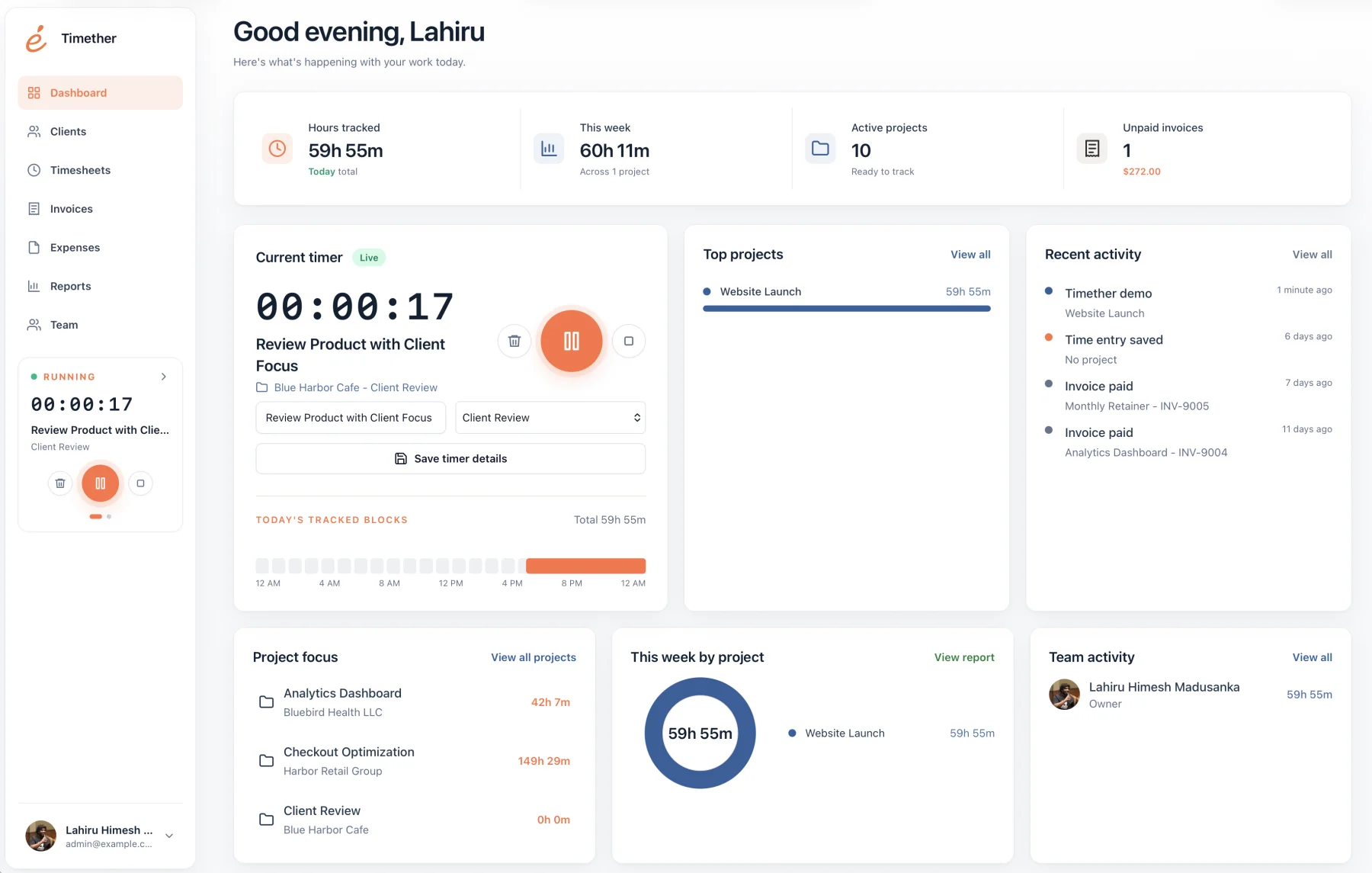
Best fit
Choose based on the decisions you need the data to support and the privacy expectations of the people doing the work.
Choose Timether when your priority is billable time, projects, clients, reports, invoices, and team records without screenshots or computer-activity monitoring.
Choose Time Doctor when optional screenshots, app and website usage, activity levels, schedules, attendance, and deeper workforce analytics are required.
At a glance
Feature availability can change. Verify plan details with each provider before purchasing.
| Capability | Timether | Time Doctor |
|---|---|---|
| Time and project tracking | Included | Included |
| Client reports | Core workflow | Reporting available |
| Screenshots or screencasts | No | Optional |
| App and website usage | Not monitored | Optional reporting |
| Keyboard and mouse levels | Not collected | Optional activity measurement |
| Best fit | Trust-based service teams | Organizations needing workforce analytics |
Not every company needs to measure active and idle input, review website categories, or capture screens. For knowledge work, those signals can be a poor substitute for project context and meaningful output.
Freelancers and small agencies often need a narrower set of answers: how long the work took, which client it belonged to, whether it was billable, and how to communicate the result.
Time tracking can be useful without becoming a proxy for attention. Timether records duration and work context that people choose to add. It does not infer productivity from computer input or browsing behavior.
That boundary makes the product easier to introduce in trust-based environments and keeps conversations focused on capacity, estimates, profitability, and client expectations.
Before choosing Time Doctor or a lighter alternative, write down the questions managers need answered. Project profitability, client billing, workload, attendance, website usage, and computer activity are different problems and should not be collapsed into one vague need for visibility.
Then choose the smallest data set that answers those questions reliably. Timether is intentionally suited to project, client, billing, and capacity conversations. Time Doctor provides additional workforce signals when an organization has a defined reason and policy for collecting them. Clear requirements prevent a monitoring feature from becoming a default simply because it is available.
Include employees in that requirements discussion. They can identify edge cases such as confidential client portals, personal notifications, research-heavy tasks, or offline work that monitoring data may misrepresent. A shared understanding improves both accuracy and adoption.
Common questions
Short answers about privacy, features, and fit.
No. Timether is designed to help people understand time, projects, clients, and billable work. It does not use screenshots, keystroke logging, mouse tracking, or hidden activity monitoring.
No. Timether tracks the time and work details that people intentionally record. It does not capture screenshots.
Timether is built for freelancers, consultants, small agencies, indie teams, and growing service businesses that need clear time records and client-ready reports.
Time Doctor documents screenshots and video screencasts as optional features that administrators can configure. Timether does not include screenshot or screencast functionality.
No. Timether is not designed to classify browsing or application activity. It records the time and work context users intentionally enter.
Research notes
Start with better records
Track the work that matters to projects and clients without turning computer activity into a performance score.