
Focused, private, client-ready
Choose Timether when your team can record work intentionally and you want useful project visibility without screenshots, GPS, activity levels, or hidden recording.
Timether vs Hubstaff
Hubstaff combines time tracking with optional screenshots, app and URL activity, keyboard and mouse activity levels, GPS, and workforce management. Timether is built for a different operating model: freelancers and trust-based teams that need accountability through clear records rather than monitoring.
Some organizations have legitimate compliance, field-work, or oversight requirements. Timether is for teams where outcomes, communication, and accurate client billing matter more than collecting evidence of every computer interaction.
14-day free trial. No credit card required. No screenshots.
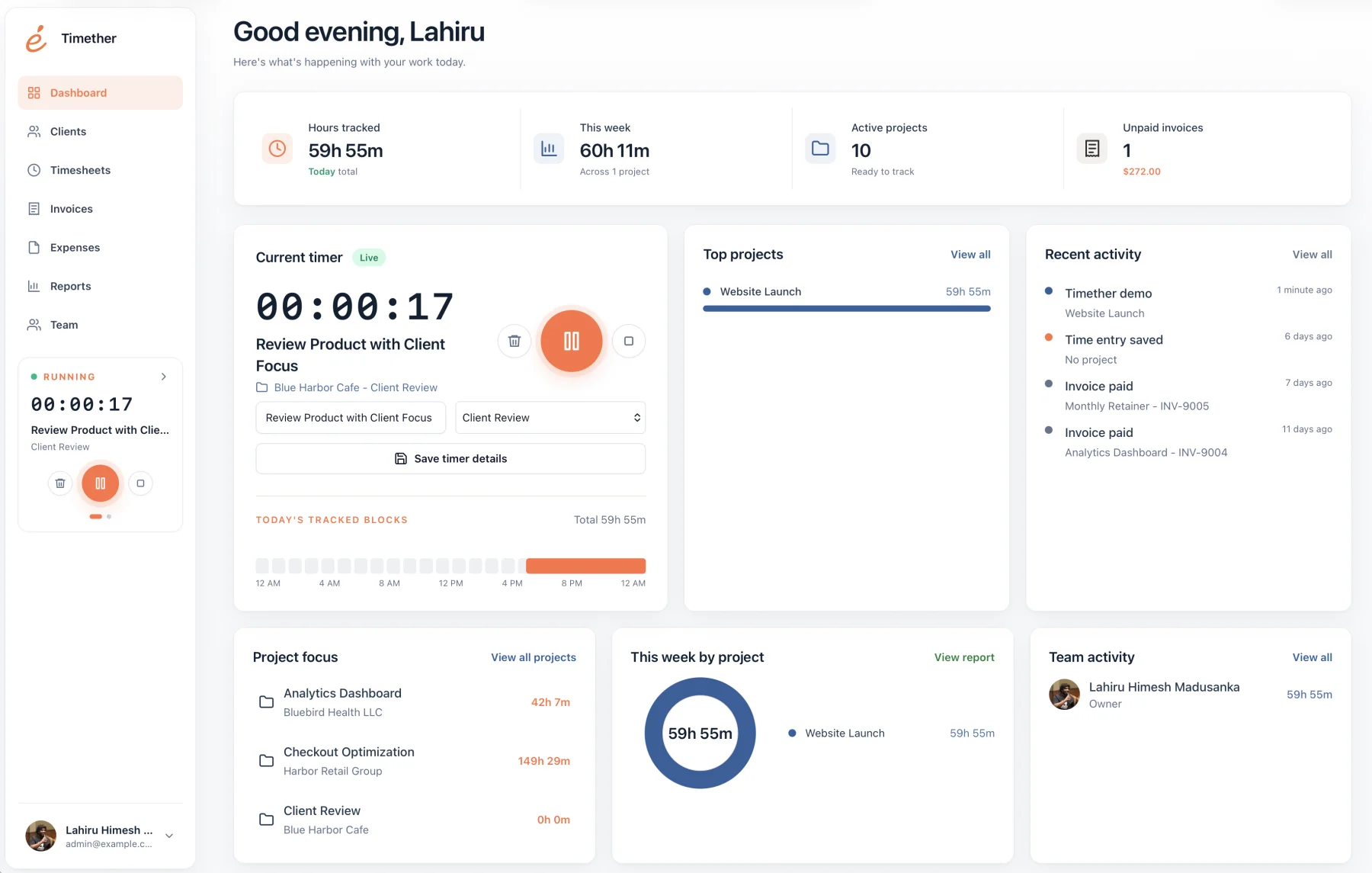
Best fit
The central decision is not timer quality. It is whether your organization needs monitoring controls or intentional, trust-based records.
Choose Timether when your team can record work intentionally and you want useful project visibility without screenshots, GPS, activity levels, or hidden recording.
Hubstaff emphasizes configurable screenshots, GPS, app and URL activity, workforce analytics, and field-team oversight.
At a glance
Feature availability can change. Verify plan details with each provider before purchasing.
| Capability | Timether | Hubstaff |
|---|---|---|
| Time tracking | Included | Included |
| Projects and reports | Included | Included |
| Screenshots | No | Optional and configurable |
| GPS and field tracking | Not included | Available |
| Keyboard and mouse activity | Not collected | Activity levels available |
| Best fit | Trust-based client teams | Remote and field workforce oversight |
Screenshot and activity data can answer a specific oversight question, but it also changes the relationship between a team and its tracking software. Creative, consulting, engineering, and client-service teams may find those signals distracting or unnecessary.
A no-screenshot alternative keeps accountability attached to projects, descriptions, time entries, and reports. Managers can still understand capacity and billable effort without reviewing random images or input activity.
Trust-based tracking is not the absence of accountability. It replaces passive observation with useful business information: what project received time, what work was completed, what was billable, and what should appear in a client report.
For small teams, those records are often closer to the decisions that matter: improving estimates, protecting margins, balancing workload, and explaining invoices.
If your organization is considering Hubstaff, decide which monitoring features are genuinely necessary before inviting the team. Document whether screenshots, location, or activity levels will be enabled, who can access the data, how long it will be retained, and how mistakes or sensitive captures will be handled.
If you cannot identify a concrete decision that a data point supports, do not collect it by default. Timether removes that configuration question by excluding surveillance features entirely. Whichever product you choose, transparent expectations and proportional collection are essential to maintaining trust.
Revisit the policy after the trial rather than allowing temporary settings to become permanent by inertia. Ask whether the collected information changed a useful decision, whether employees understood the controls, and whether a less invasive record could have produced the same answer.
Common questions
Short answers about privacy, features, and fit.
No. Timether is designed to help people understand time, projects, clients, and billable work. It does not use screenshots, keystroke logging, mouse tracking, or hidden activity monitoring.
No. Timether tracks the time and work details that people intentionally record. It does not capture screenshots.
Timether is built for freelancers, consultants, small agencies, indie teams, and growing service businesses that need clear time records and client-ready reports.
Hubstaff describes screenshots as configurable and optional. Organizations can enable, disable, blur, and set screenshot frequency. Timether does not offer screenshot tracking at all.
Yes. Team plans provide shared workspaces, member roles, projects, clients, reports, and billable records without collecting screenshots or activity scores.
Research notes
Start with better records
Give your team a clear way to record work and give clients the detail they need, without adding surveillance to the relationship.